
Loading…
Welcome to the 2026 Saskatchewan Libraries Conference! We are thrilled to have you joining us for this incredible professional development and networking opportunity.

Registration Desk
Make sure you check in to the conference at our registration desk before heading off to any meals or sessions! Here you can pick up your name tag and ask any questions you might have. The registration desk will be open from 6:45 am to 3:00 pm on Thursday, April 30, and from 7:30 am to 3:00 pm on Friday, May 1.

Using the Sched App
Use this app to build your personalized conference schedule! You will find some things have already been added to your schedule (such as meals and key speakers), but everything else is up to you.

We also encourage you to turn on the "Public Profile & Schedule" option under the "My Account" tab. This will add you to the public attendee list, helping you to connect with other delegates and helping them connect with you. This is optional.

Conference Sponsors
SLA gratefully acknowledges our many event sponsors! Without their generous support, this conference would not be possible! We gratefully acknowledge all sponsors in the "Sponsors" Tab.

Exhibitors
Make sure to visit the Exhibitor Hall located in the Gallery B! The Exhibitor Hall will be open on Thursday, April 30, from 8:30 am to 4:30 pm, with the Exhibitor Social taking place from 3:00 to 4:00 pm. Join us at the Social to visit with the exhibitors while enjoying appetizers and non-alcoholic drinks, and the chance to win great prizes!!  

Mobile

This event is available on your phone

  1. Download the Sched App from the App Store or Google Play
  2. Search within the Sched App to find your event:
    "2026 Saskatchewan Libraries Conference: Libraries Open Doors"
  3. Sign up or Log in to access your event
Sched App mobile screen download App
1. Download App
Sched App mobile screen find event
2. Find Event
Sched App mobile screen register
3. Register

Calendar Sync for Google Calendar, Outlook & Apple Calendar

Subscribe in your calendar program to see this event alongside your meetings.
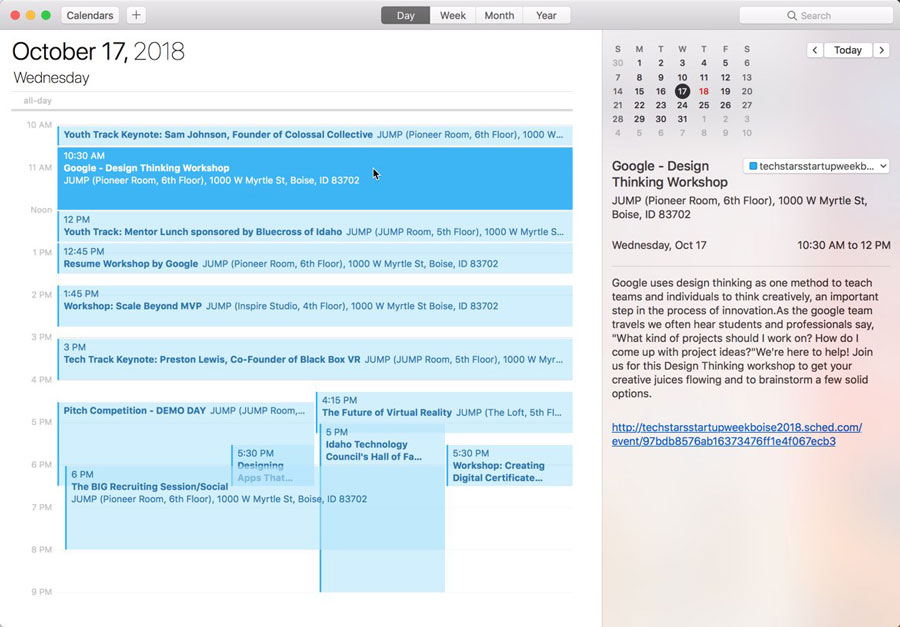
Apple Calendar
1. Click to open: Full Event Schedule
2. On next screen, set "Auto-refresh" to "Every hour" to ensure you get schedule changes.

Google Calendar
1. Click to open: Full Event Schedule
Note: Google will only update the feed once per day, which means you could miss out on last minute updates.

Microsoft Outlook
1. Click to open: Full Event Schedule
2. View instructions for Outlook.com or Outlook for Mac.

Export Calendar
This is a one-time export. You will not receive any updates to the schedule. If you expect the schedule to change, you should choose to one of the sync options above.
Full Event Schedule: https://2026sasklibrariesconference.sched.com/all.ics



Share Modal

Share this link via

Or copy link